Noopur Varshney
PermalinkHi Kate,
AIO Tests offers a Copy Cases across projects feature.
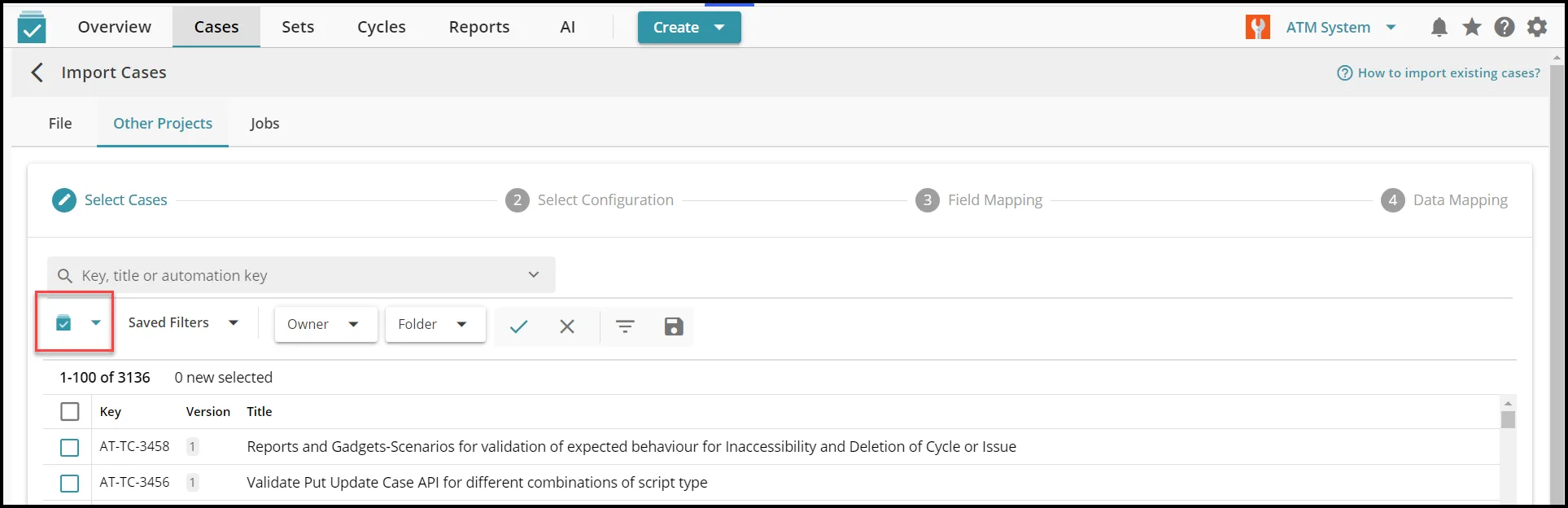
Using this feature you can go to the destination project, select Import Cases - Other Projects tab. Choose the source project (highlighted in image below) and select cases, configuration to copy to the destination project.
This will copy cases to the destination project along with your attachments. Give it a try and reach out to the support team (help@aiotests.com) in case of any issues.
Regards,
Noopur